Last updated:
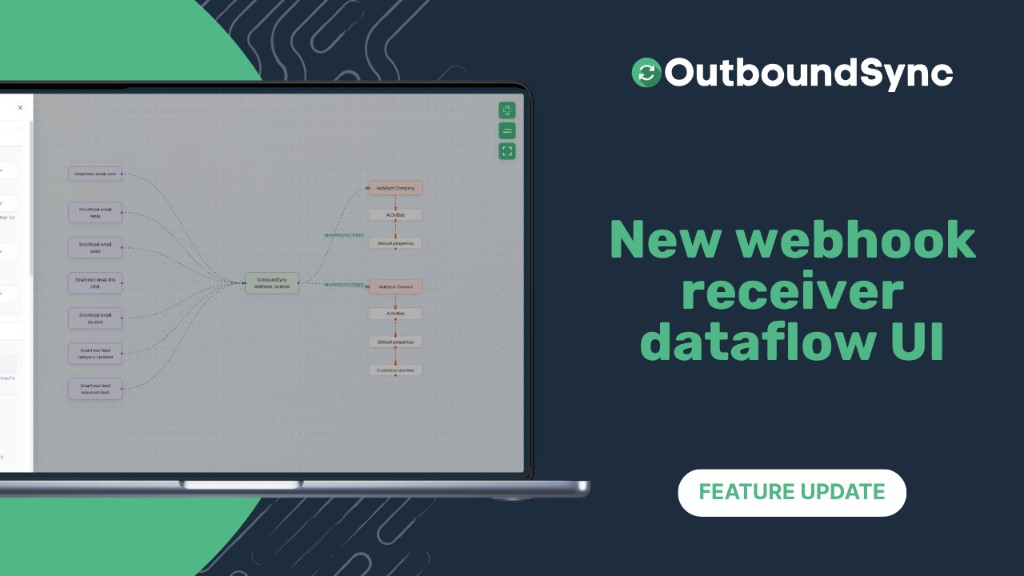
New webhook receiver dataflow UI
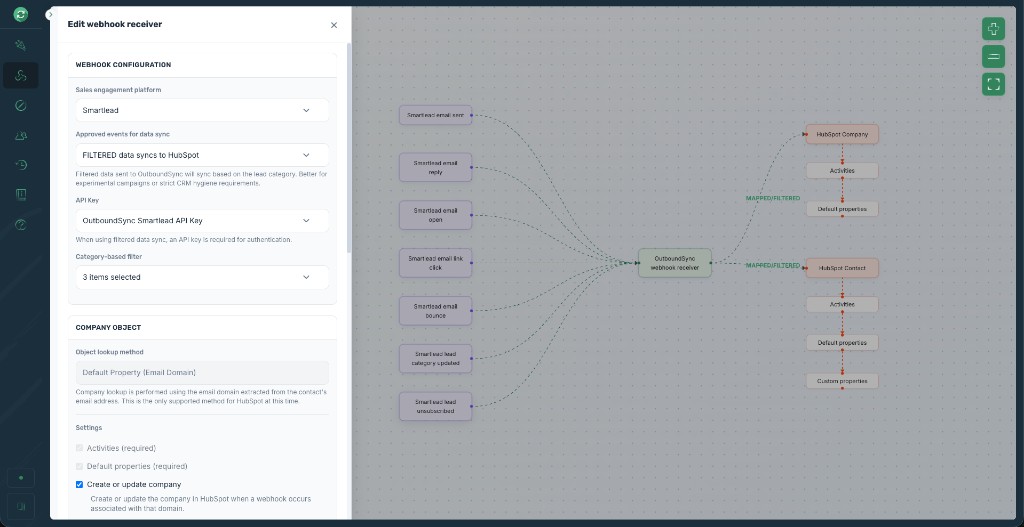
OutboundSync now lets you create and edit webhooks in a visual flow that shows exactly how events from your sales tool become HubSpot or Salesforce records. This is live right now in your account.
OutboundSync now supports:
-
Visualizing the data path from sales engagement platform events through the OutboundSync receiver to CRM objects and actions
-
Configuring everything in one unified sliding settings tray for profiles, events, properties, tasks, and more
-
Previewing sample payloads for your specific platform and event type
This means you can clearly see how data moves from your sales tool to your CRM, set up everything in one focused interface instead of scattered forms or modals, and verify payloads directly without external docs.
Available now
For OutboundSync users, this is live in your account right now. Head to the new Webhook receiver section in your navigation to create or edit a webhook receiver.
You can review your webhook receivers in the app anytime.
If you’d like to see the entire platform in action, book a demo today.

Founder & President, OutboundSync
15+ years in B2B sales and operations. Former HubSpot Solutions Partner and Smartlead expert. Built the agency that became OutboundSync.
Similar posts
OutboundSync MCP Server out now
Hosted OutboundSync MCP for Cursor, Claude Code, and more. Same Bearer key as the REST API, with no local MCP process to run.
Harris Kenny
New integration: Furnace
Sync Furnace cold email sends, replies, reply categories, and bounces into HubSpot and Salesforce with OutboundSync as structured CRM activity.
Harris Kenny
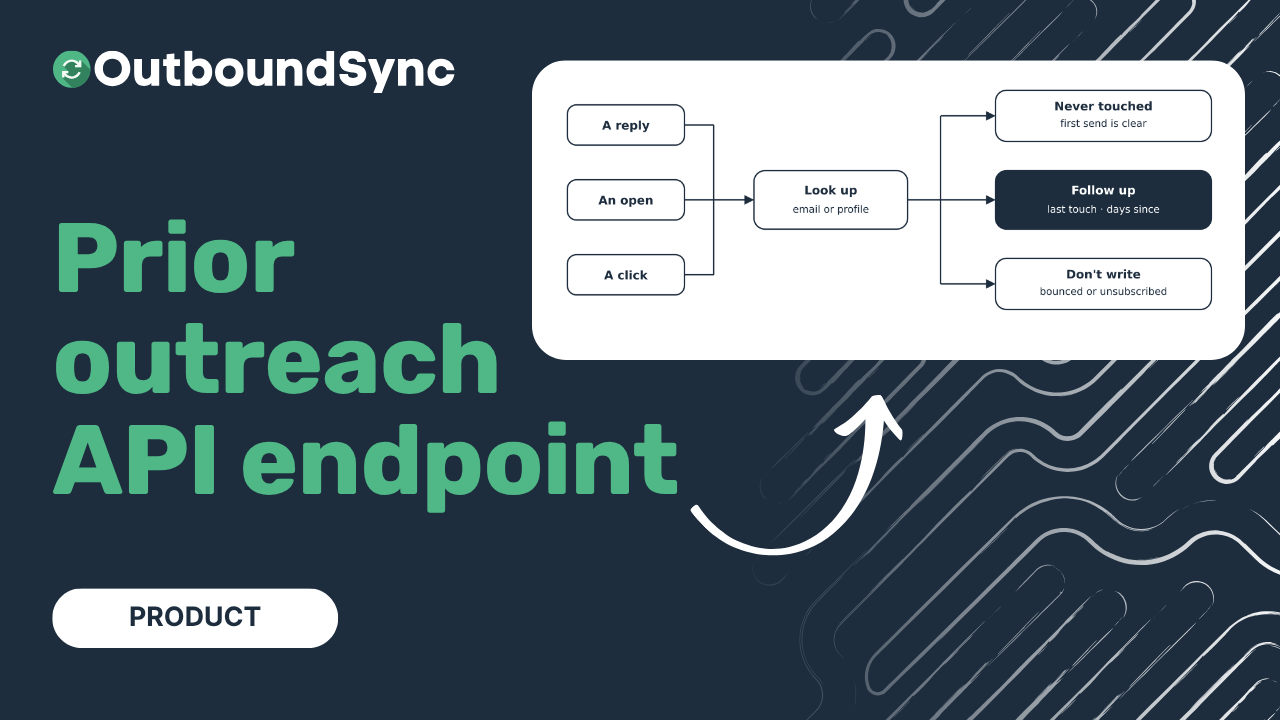
Prior Outreach Lookup API
Look up a contact's last outbound touch by email or social profile. Days since, bounce or unsubscribe, the history we logged, and which platform. Public beta.
Harris Kenny