Last updated:
Rich text field support for Salesforce block lists
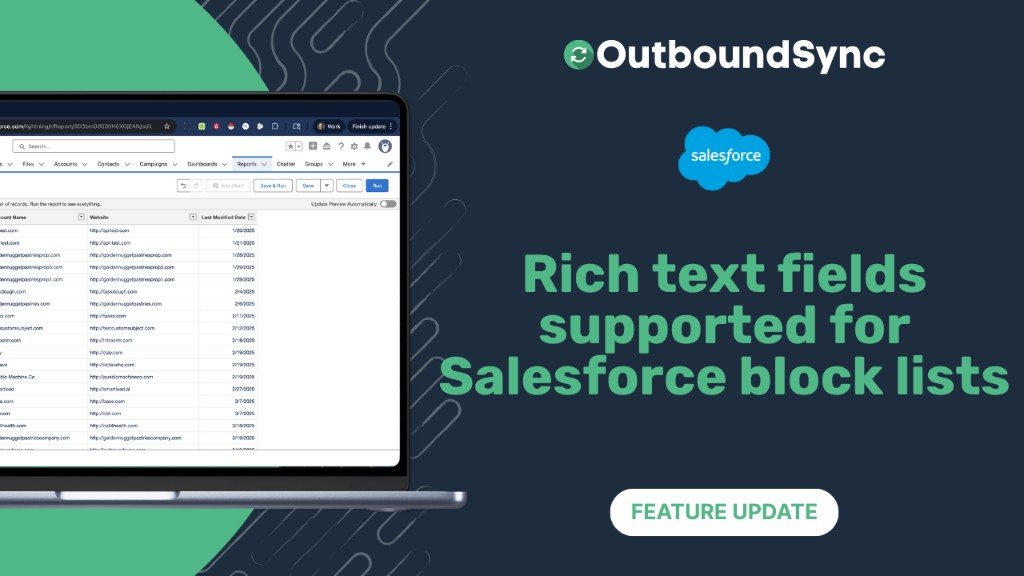
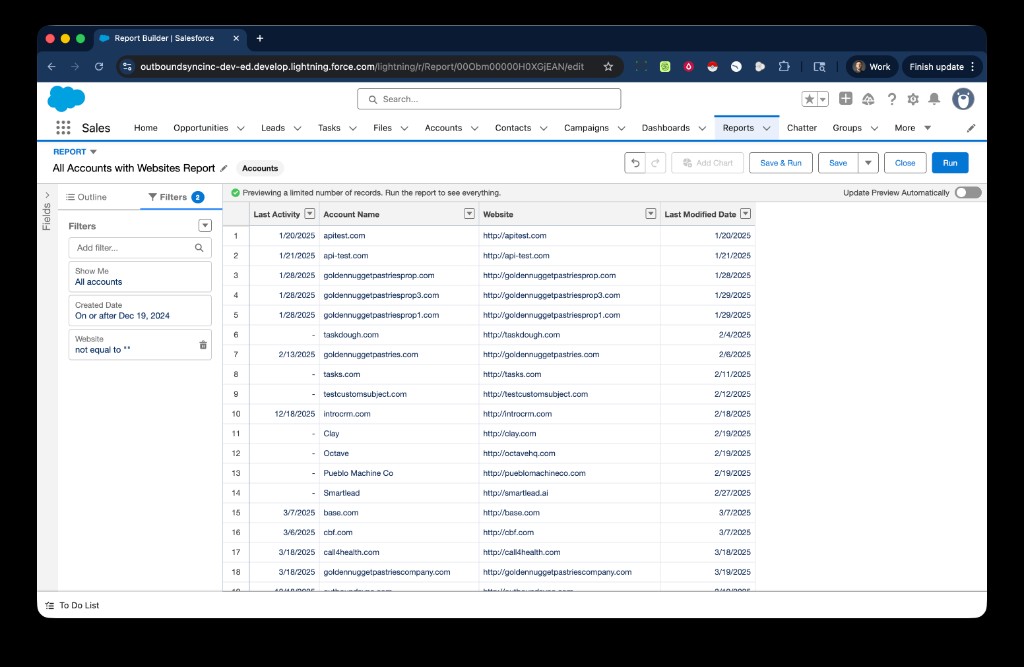
OutboundSync now supports scanning rich text fields in Salesforce to update your block lists.
This is live right now in your account and has been retroactively applied to any past data that was previously not supported.
OutboundSync now supports:
- Scanning rich text fields in Salesforce
- Automatically extracting email addresses, domains, and LinkedIn profiles embedded in that rich text
- Pushing the extracted data directly to your block lists in Smartlead, Instantly, EmailBison, and HeyReach
This means you can have user-friendly fields in Salesforce that are fully compatible with data syncing, and no extra effort for your System Administrator.
Next steps: See your current block lists if you want to update them to include new fields. Or see how to create block lists in our Docs.
Frequently asked questions
What Salesforce fields can I use for block lists?
OutboundSync now supports rich text fields in addition to standard email and website fields. We scan rich text and automatically extract email addresses, domains, and LinkedIn profiles to add to your block lists.
Which sales engagement platforms support block lists from OutboundSync?
Block list data from OutboundSync is pushed to Smartlead, Instantly, EmailBison, and HeyReach. Create or update a block list in the OutboundSync app and select the API key for the platform you use.

Founder & President, OutboundSync
15+ years in B2B sales and operations. Former HubSpot Solutions Partner and Smartlead expert. Built the agency that became OutboundSync.
Similar posts
New integration: Drippi
OutboundSync now supports Drippi for X (Twitter) campaigns, syncing campaign activity and profile data into HubSpot and Salesforce automatically.
Harris Kenny
Salesforge integration now available
OutboundSync now supports one-way sync of Salesforge email and social activity into HubSpot and Salesforce CRM.
Harris Kenny
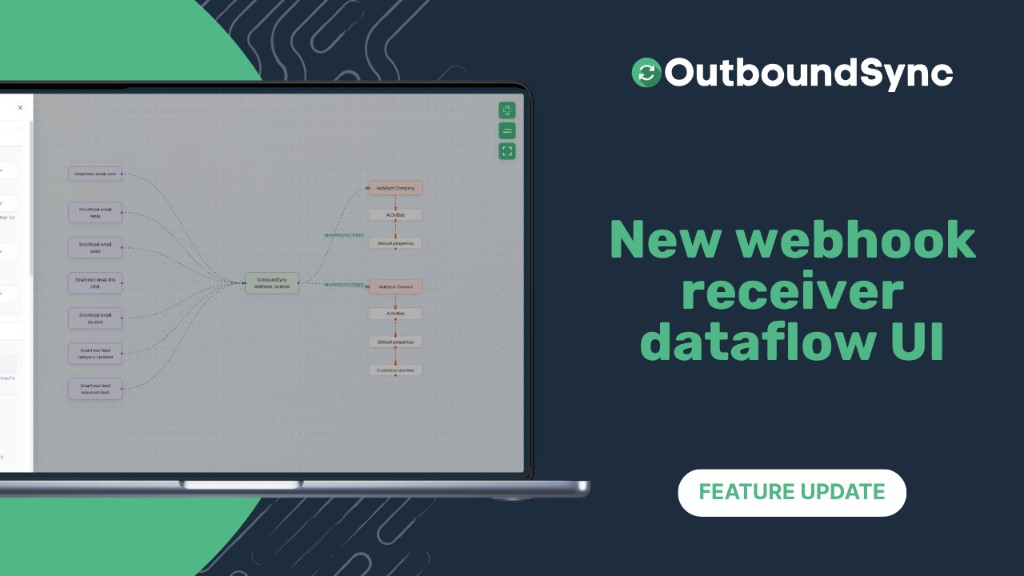
New webhook receiver dataflow UI
Visual webhook setup in OutboundSync: see sales events flow to HubSpot or Salesforce, configure in one tray, and preview sample payloads.
Harris Kenny