Skip to content

OutboundSync → HighLevel

HighLevel CRM integration beta

Connect HighLevel as a Connected Account in OutboundSync and sync one-way email and social activity from your sales engagement platforms as plain-text Notes on HighLevel Contacts.
Direct integration Beta One-way sync Email + social
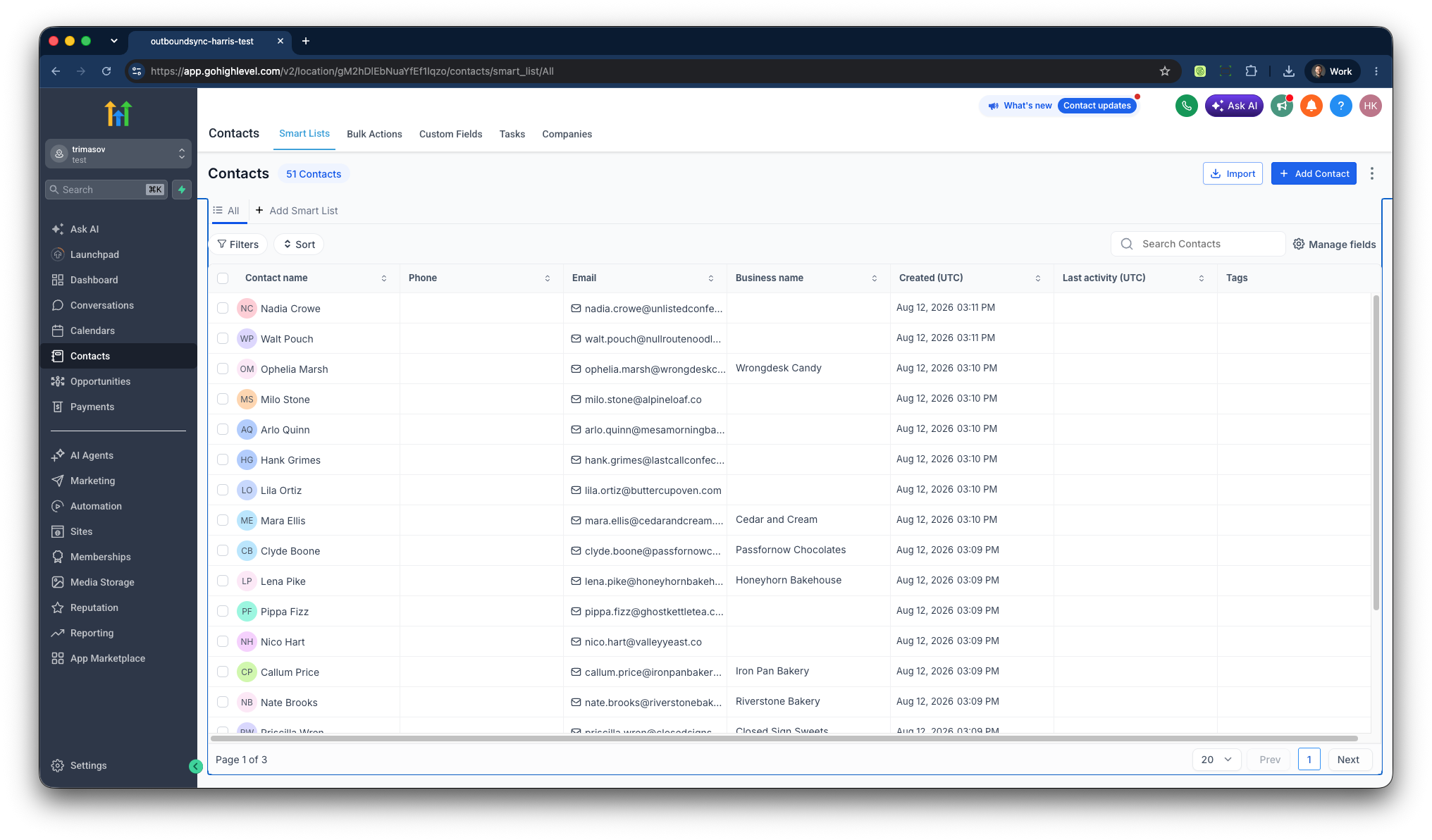
HighLevel contact list showing records OutboundSync can match and write Notes to

What the beta does

Activity on the Contact, without a custom middleware stack

HighLevel — also searched as GoHighLevel — is a real CRM connection in OutboundSync today, but this beta is intentionally lighter than HubSpot and Salesforce. Each mapped event finds or creates a Contact and writes a plain-text Note on that record. Connect the HighLevel sub-account in OutboundSync, then work with the team to create the source and confirm the first Contact note.

  • One-way outbound email activity syncs as a Note on the HighLevel Contact.
  • One-way outbound social activity syncs as a Note on the HighLevel Contact.
  • Teams can use synced Notes inside the HighLevel filters and views they build. OutboundSync does not ship prebuilt views for this beta.
  • Connect HighLevel in-app; source setup and the first test Note go through the OutboundSync team.

Supported now

HighLevel beta platform coverage

HighLevel beta currently supports the already-marketed platforms below. Exact event coverage is confirmed on the first test Note.

  • Smartlead
  • Instantly
  • Clay
  • EmailBison
  • Brevo
  • Reply.io
  • Lemlist
  • Aimfox
  • Drippi
  • HeyReach
  • Mixmax
  • SalesRobot
  • Salesforge
  • GetSales
  • Furnace
  • Ken AI
  • SuperSend
  • HotHawk
  • Master Inbox

Also supported via Master Inbox: Expandi, Salesflow, PlusVibe, Ashby.

How it maps

Each event becomes a Note on the Contact

Match on email, a custom field, or a social profile URL. New Contacts get name and company name. Email is never updated on match. Then every mapped event writes a Note — so reps read outreach in HighLevel instead of bouncing back to the sequencer.
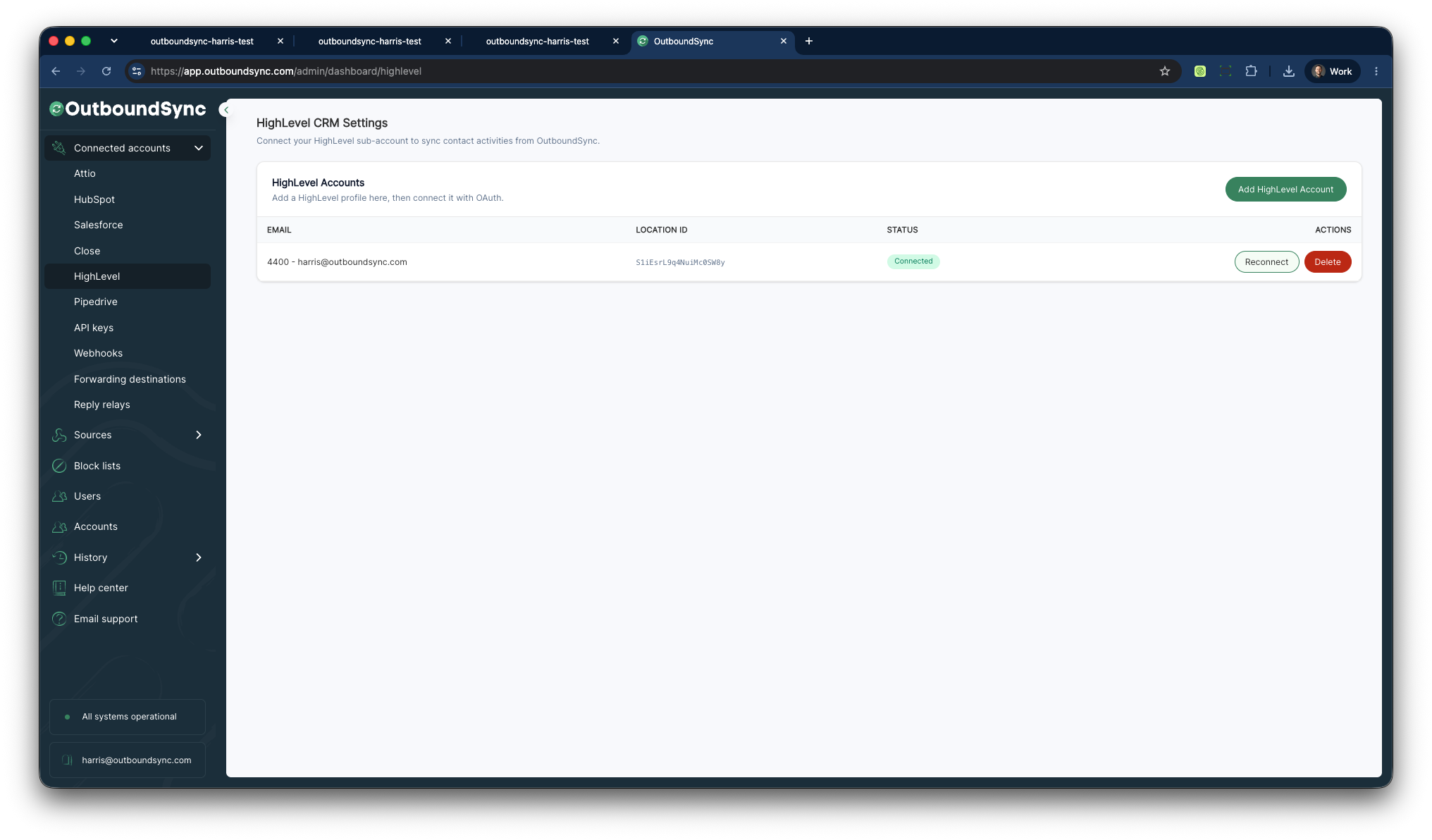
OutboundSync HighLevel Connected Account after Location OAuth

Email

Sends, replies, opens, and clicks land as plain-text Notes on the matched Contact.

Social

Connection requests, messages, and social replies land as Notes on the matched Contact.

Filters and views

Teams can use synced Notes inside the HighLevel filters and views they build. OutboundSync does not ship prebuilt views in the current beta.

Beta limits

What is different from HubSpot and Salesforce today

  • One-way sync only.
  • Writes the Contact and the Note. Does not create companies, opportunities, pipelines, or tasks.
  • Block lists are not part of the HighLevel beta.
  • Phone activity is not supported in the current HighLevel beta.
  • Connect HighLevel in OutboundSync, then work with the team on the source and first test Note.

Next step

Book a demo, then test a Note on a real Contact

Connect the HighLevel sub-account in OutboundSync. We will help create the source and confirm an email or social Note on a real Contact before you launch.

HighLevel integration FAQ

  • How do I connect HighLevel?
    Authorize a HighLevel Location (sub-account) from HighLevel CRM Settings in OutboundSync. OAuth uses the HighLevel Marketplace picker. There is no public marketplace listing URL. The HighLevel email must match the OutboundSync user or the connect fails.
  • Is the HighLevel integration self-serve?
    Connecting HighLevel is in-app: Add profile, then Connect. Source setup and the first test Note are handled with the OutboundSync team.
  • Is HighLevel sync one-way or two-way?
    HighLevel beta is one-way only. Activity flows from your sales engagement platform into HighLevel.
  • What can OutboundSync sync into HighLevel?
    OutboundSync finds or creates a HighLevel Contact and writes each mapped event as a plain-text Note on that Contact. Email and social events are in scope. Companies, opportunities, pipelines, and tasks are not.
  • Does the HighLevel beta support phone activity?
    No. The current HighLevel beta supports email and social activity only.
  • Does OutboundSync write companies, opportunities, or tasks?
    No. The beta writes the Contact and the Note only. Company is a string on the Contact (companyName), not a separate HighLevel object.
  • Who owns the Contact after a sync?
    OutboundSync sets the note author only. It does not assign the Contact owner.
  • Can synced Notes be used in HighLevel filters and views?
    Yes. Teams can use the synced Notes on Contacts in the filters and views they build in HighLevel. OutboundSync does not ship prebuilt filters or views.

HighLevel resources

Tutorials, case studies, and updates related to HighLevel.